
Login
When you go to https://xxxxx.nestor-edp.org/ please click on the Login button
You will be requested to enter your e-mail and password.
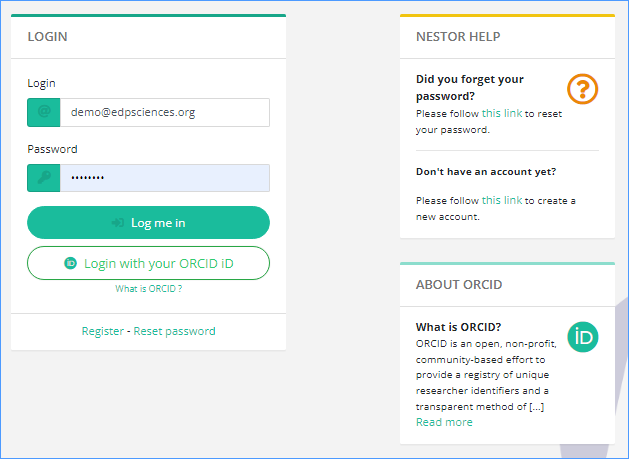
As editors previously using MMS, your codes have been migrated. Type in your e-mail address (the one used with MMS) and the password used to access MMS.
If you got some connection problem, please click on the ‘Reset password’ link https://XXXX.nestor-edp.org/resetPassword
Do not register again.
As an editor, once you’re connected, you access directly your interface as editor.
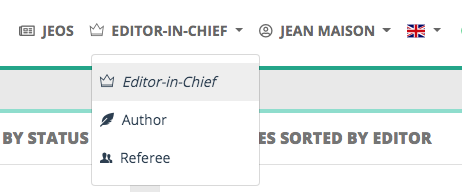
You can switch to your interface as author or referee using the role menu close to your name.