How does editorial responsibility switch?
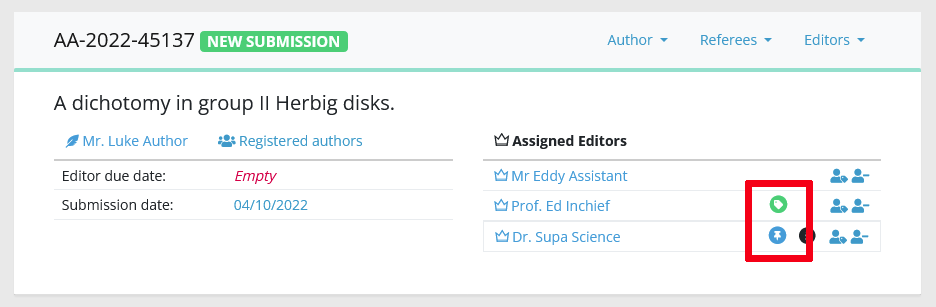
For a given article, editorial responsibility is indicated by the colored tags in the assignment module. Note that the editor in charge and the current editor can be the same person! In fact, this will be the case for most of the article life.
Becoming the "current editor"
Any editor assigned to an article immediately gets the green tag "current editor", and is responsible for moving the article forward. If you are current editor, this means:
- the article will now appear in your to-do list
- the article will disappear from any other editor to-do list
- your role is to make sure the editorial process moves forward ಠ_ಠ
Besides the standard switch described above, a proposal from an editor to his parent editor will also switch the responsibility: the parent editor will become "current", usually to take the final decision on the article.
Becoming the "editor in charge"
An editor gets the blue tag "editor in charge" when these conditions are fulfilled:
- the editor must be assigned to the article
- when assigned, his/her profile must be "chargeable" (see profile configuration).
Becoming editor in charge means you are now responsible of the scientific evaluation (ง •̀_•́)ง
Also, the article will appear in your personal dashboard (provided it is not already in your to-do list!).
Correcting the editorial responsibility
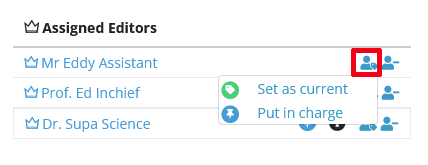
Correcting the responsibility is straightforward, but your editor profile must allow you to do it! Correcting the editorial responsibility will impact the other editors' dashboards as described above. This is useful to ensure an article is being followed properly by the most relevant editor.