Advanced search and saves
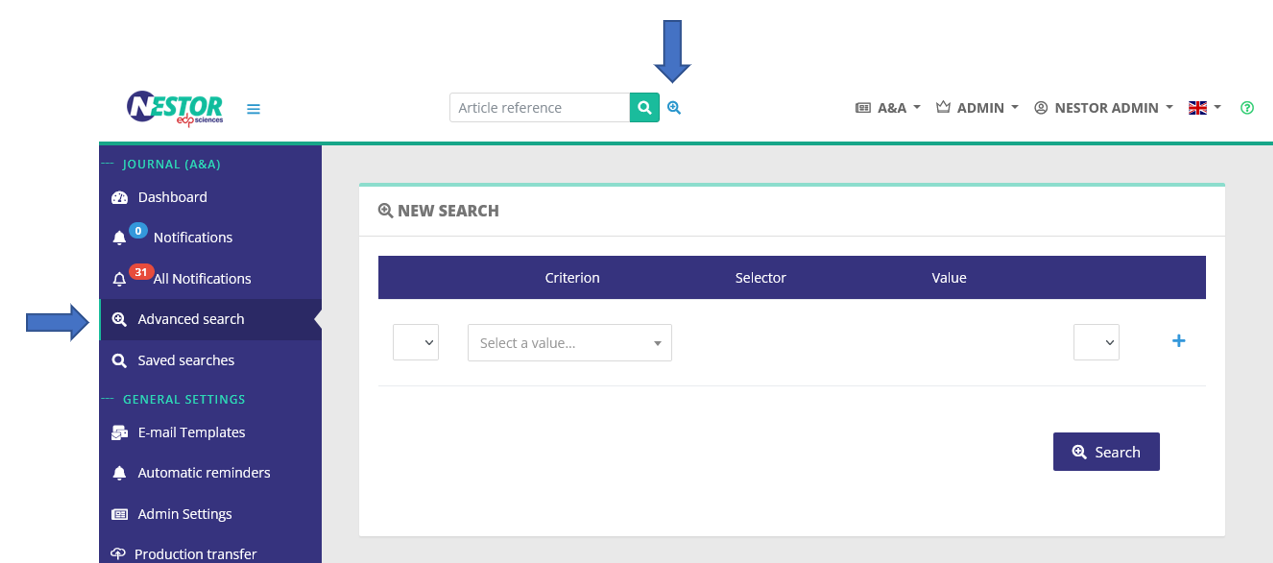
The advanced search is available through two buttons in your interface:
Criteria, operators and groups
The advanced search allows you to look for articles by combining several criteria with AND and OR operators.
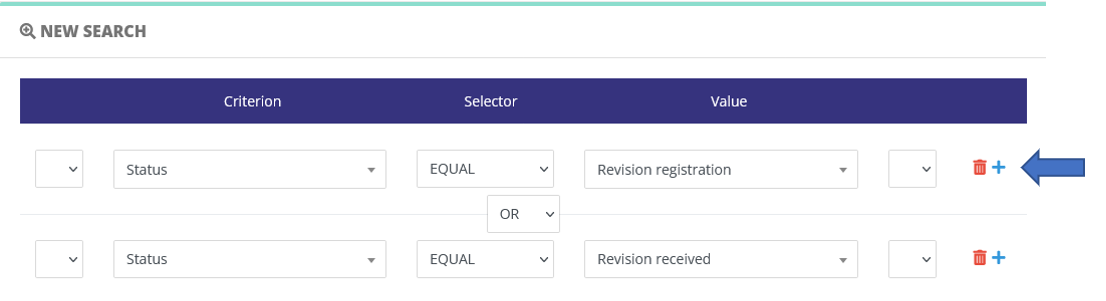
To add a criteria, click on the (+) icon:
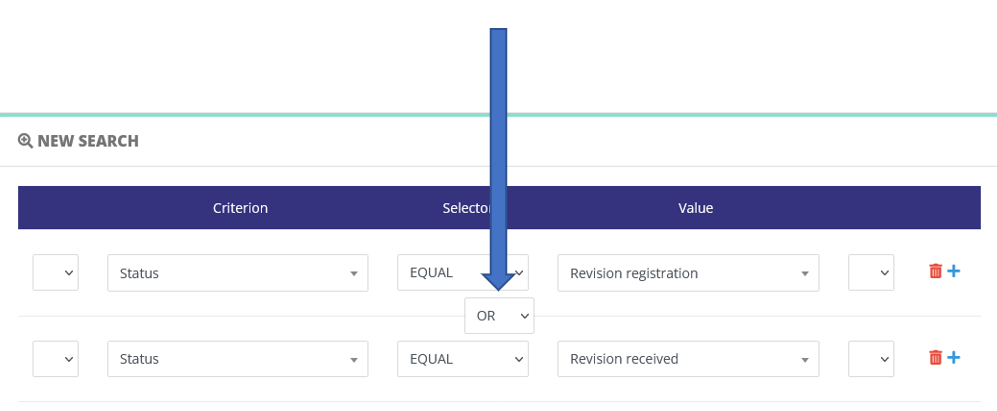
IfWhen several criteria are present, they must be combined with a boolean operator:
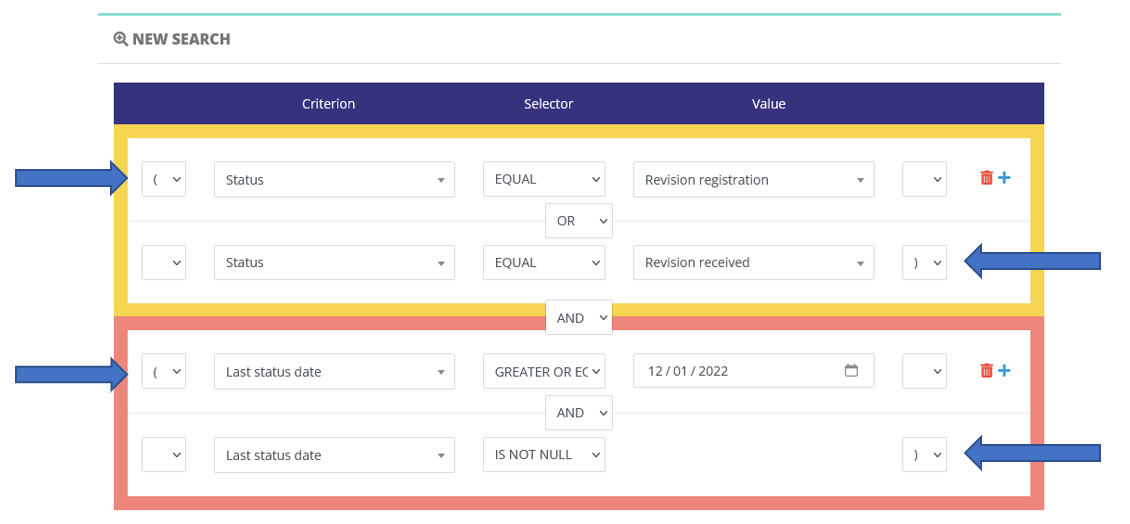
Criteria can be grouped to refine your search. Groups are created using parentheses:
Advanced search: a case study
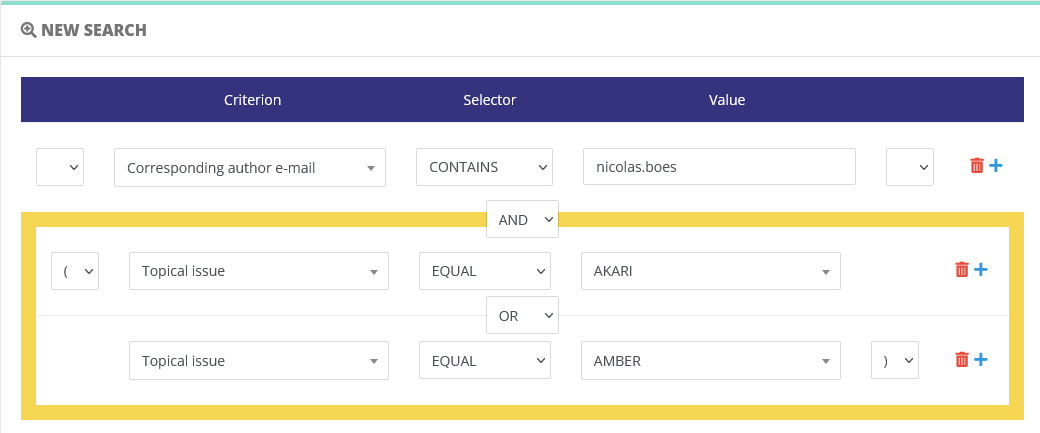
For example, let us find out all papers:
- submitted by one specific author
- for two different special issues
The search request will look like this, where we specifyspecify:
Saving search criteria
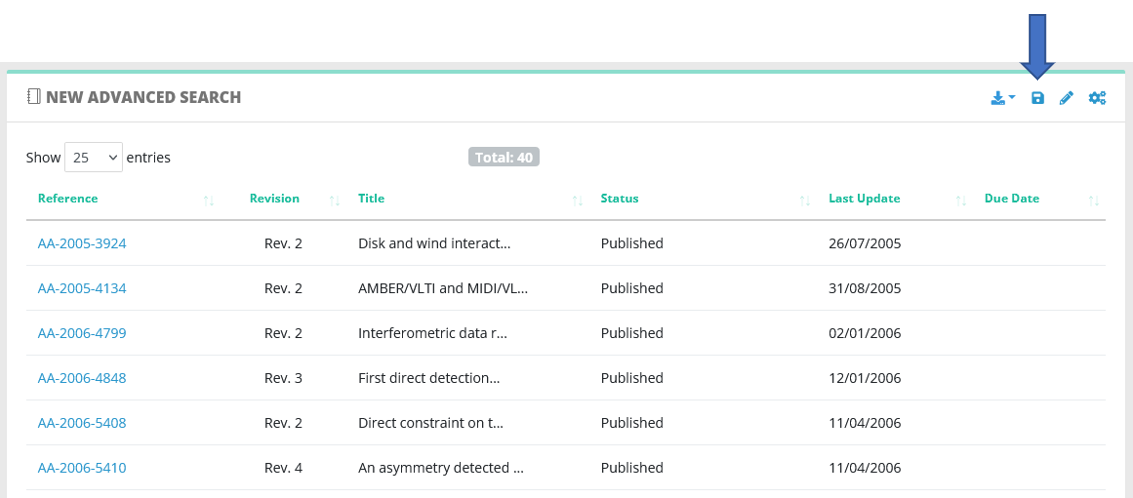
Once the search is launched and you visualize results, you can save the criteria:
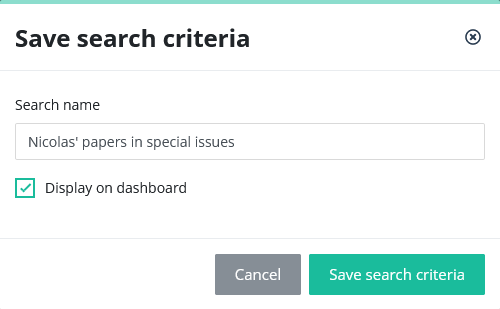
To save the search, you must input a name, and can optionnally display a shortcut in your dashboard:
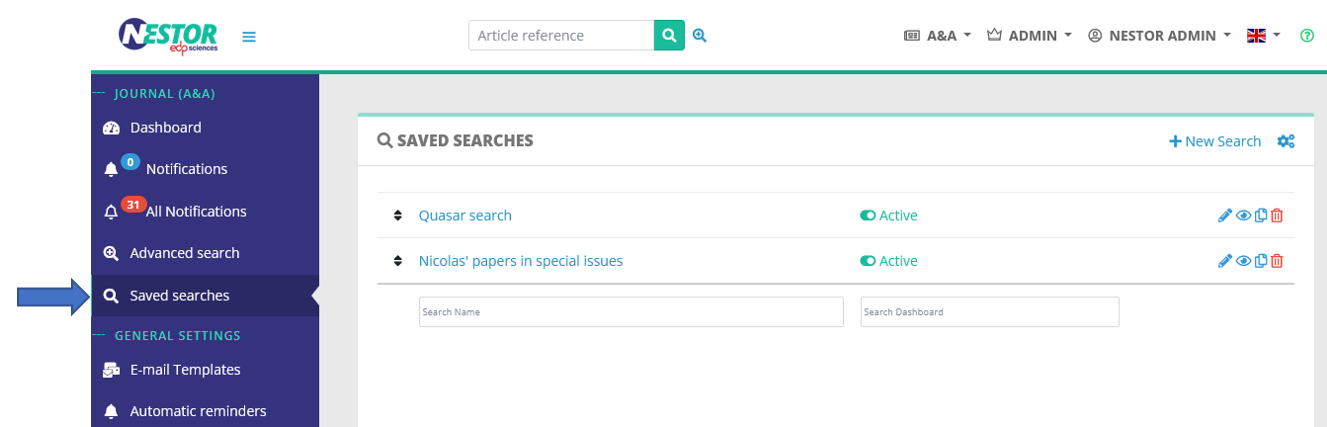
You will retrieve your saved searches here:
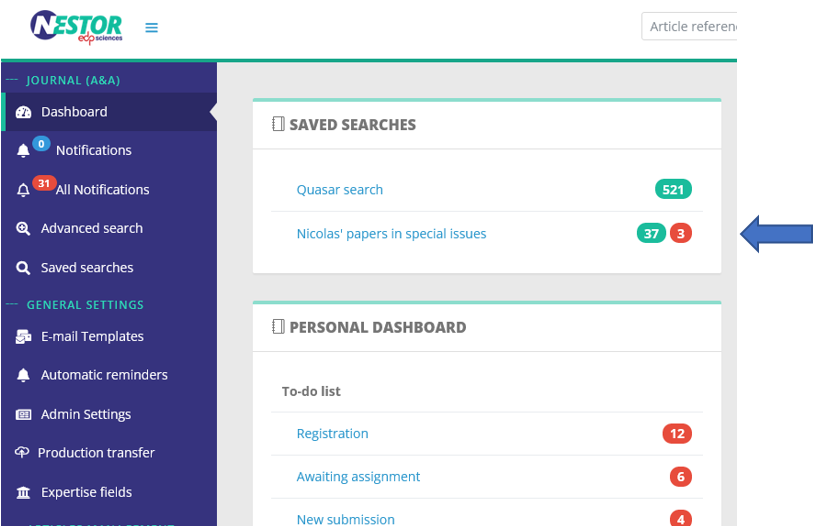
and in your dashboard if you activated the option:
Editing/duplicating search criteria
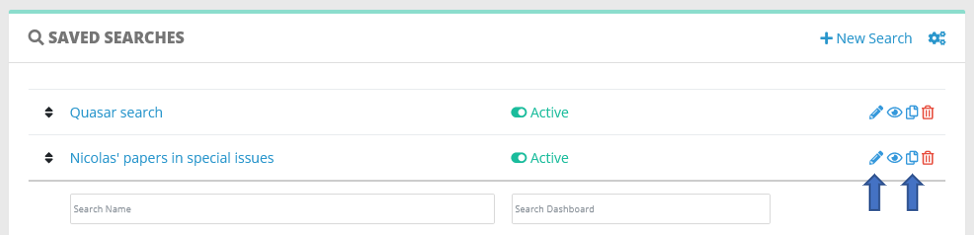
Saved searches can be conveniently edited and duplicated when necessary, using those two buttons: