
Peer review
Configuration of the referee questionnaire
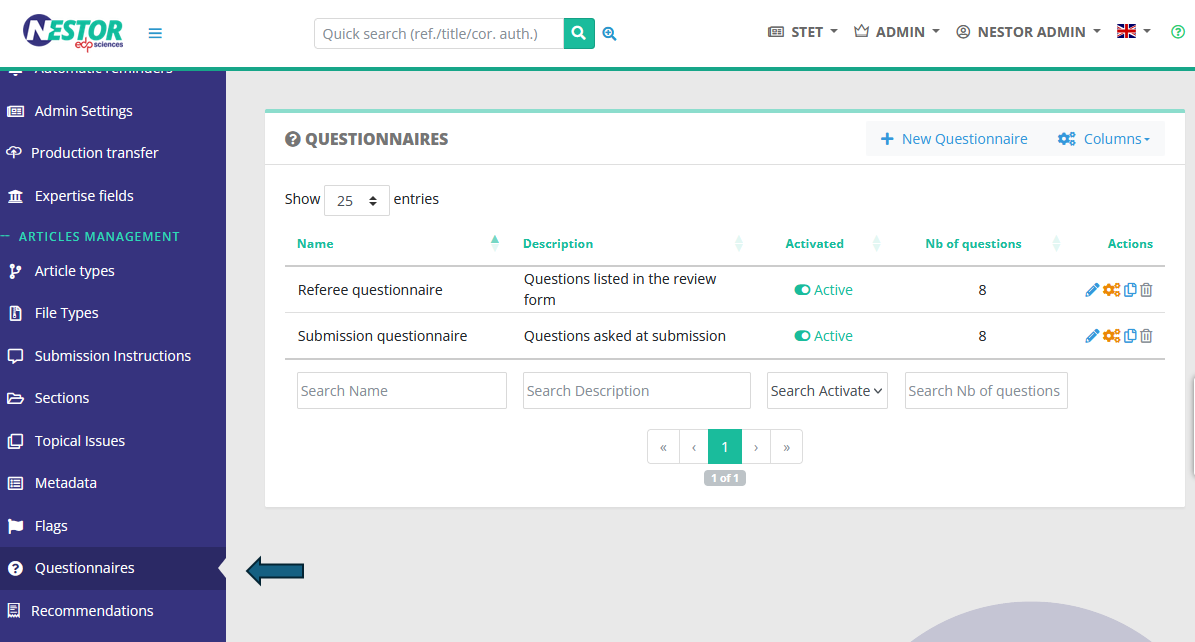
First, configure your questions to the referee here:
Article type configuration
Once the questionnaire is ready, activate the peer review and set up the questionnaire in each relevant article type.
For each article type, you can enable/disable the peer review and set up the time granted to referees to answer invitations and send reports:
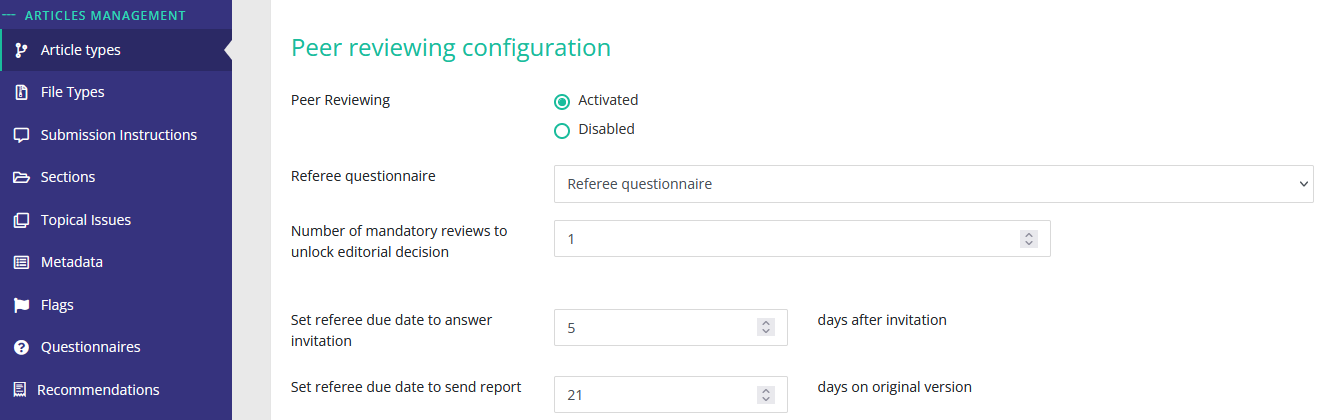
The numbers of mandatory review defines how Nestor handles the statuses transition, as defined here.
Profile configuration
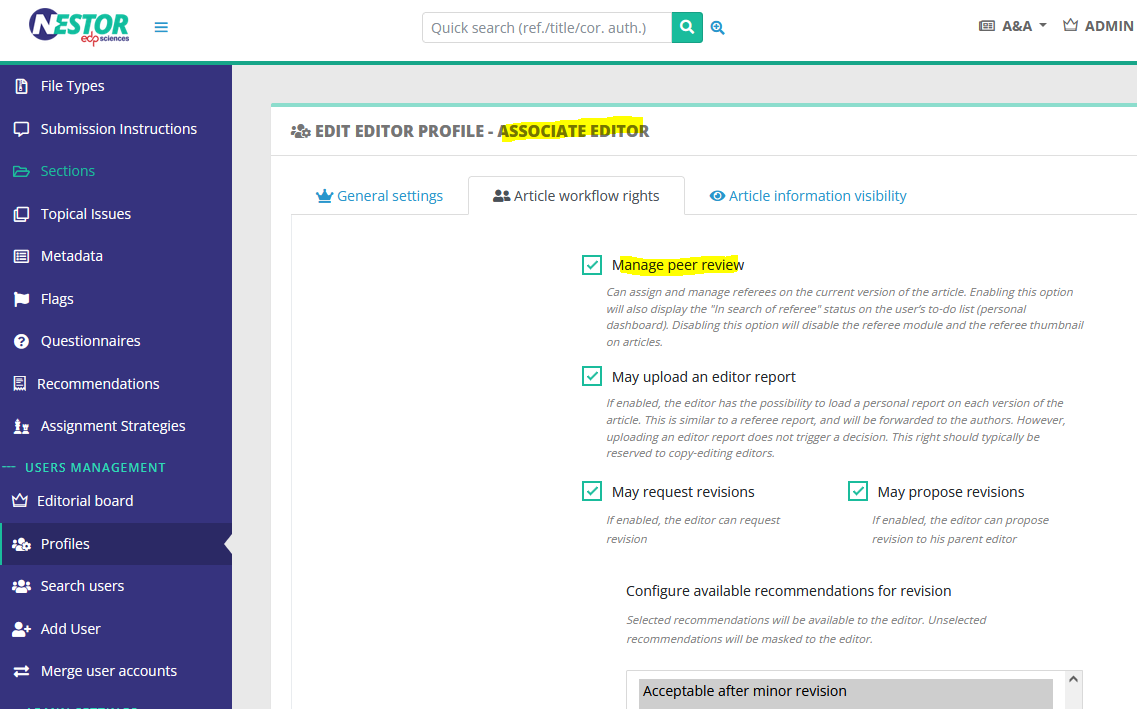
Once article types are configured, you must ensure profiles have the right to manage the peer review:
Sending the paper to referees
Once the above configurations are ok, the peer review workflow is functional. It is documented documented here.