# How to send files to Similarity Check?
Nestor can send files to Similarity Check (SC). SC can be triggered either manually or automatically.
---
##### Automatic Similarity Check
Automatic SC is defined at the [file type](https://doc.nestor-edp.org/books/editorial-office-guide/page/configuration-of-file-types) level. The conditions are the following:
- the auto SC box type must be checked in the file type
- this is the first version of the article
- the file is either DOC or PDF
- the file must not exceed 20 MB
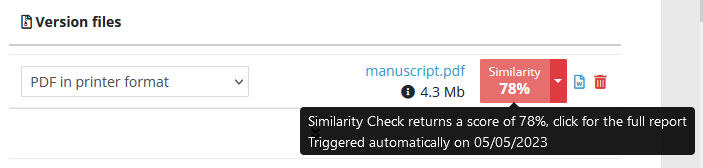
If all these conditions are met, the file is automatically sent to SC when the author completes the submission. This will return a similarity percentage that you can retrieve in the file module:
[](https://doc.nestor-edp.org/uploads/images/gallery/2023-05/nmrfKZ5KCWhUMgQT-image.png)
#####
---
##### Manual Similarity Check
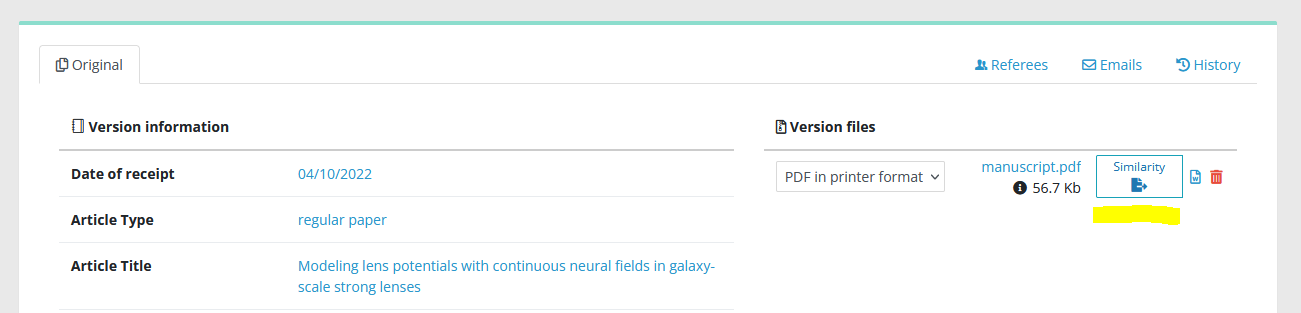
On an article, in the [file management module](https://doc.nestor-edp.org/books/editor-guide/page/the-file-management-module/edit), the SC button will appear if the following conditions are met:
- your [profile ](https://doc.nestor-edp.org/books/editorial-office-guide/page/editor-profile-decisions-and-proposals)must have the right to use SC
- the file is either DOC or PDF
- the file must not exceed 20 MB
[](https://doc.nestor-edp.org/uploads/images/gallery/2023-05/2cu83q2TPvIkFFUV-capture3.PNG)
Push the button, and let simmer a few minutes…
---
[](https://doc.nestor-edp.org/uploads/images/gallery/2023-05/JUlwujAfZqmvHYE4-screenshot-2023-05-05-at-15-23-43-edp-nestor-editor-dashboard.png)
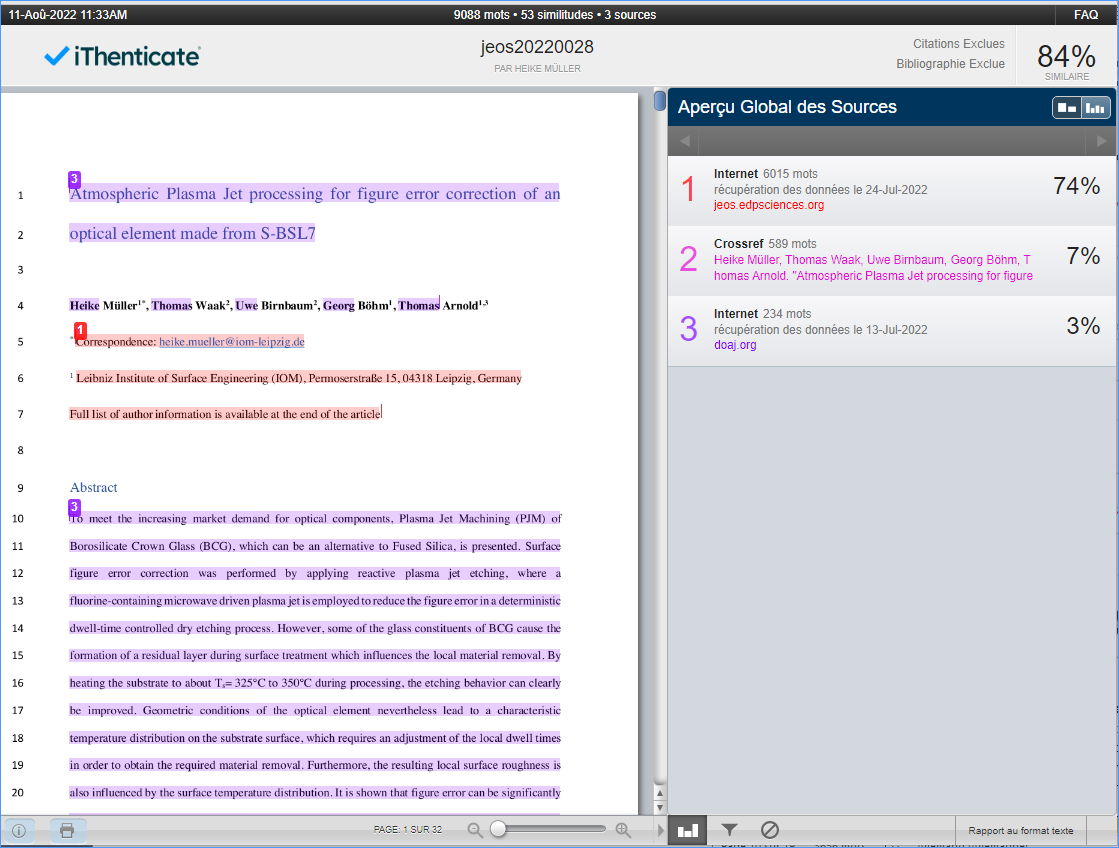
Nestor will then display the similarity result, clicking the percentage will lead you to the full report in iThenticate.
---
[](https://doc.nestor-edp.org/uploads/images/gallery/2023-05/nmrfKZ5KCWhUMgQT-image.png)
---
[](https://doc.nestor-edp.org/uploads/images/gallery/2023-02/C0zLuJ9AN6Yk0fwp-image.png)