Referee AI search with Prophy
Starting 2025, Nestor has a partnership with the Prophy referee finder tool! Prophy is configured on a journal basis: to activate the feature, please contact us at support@nestor-edp.org
Triggering Prophy
In the referee module, click on the ‘Invite a referee’ button.

In the invitation window, triggering the tool is straightforward:
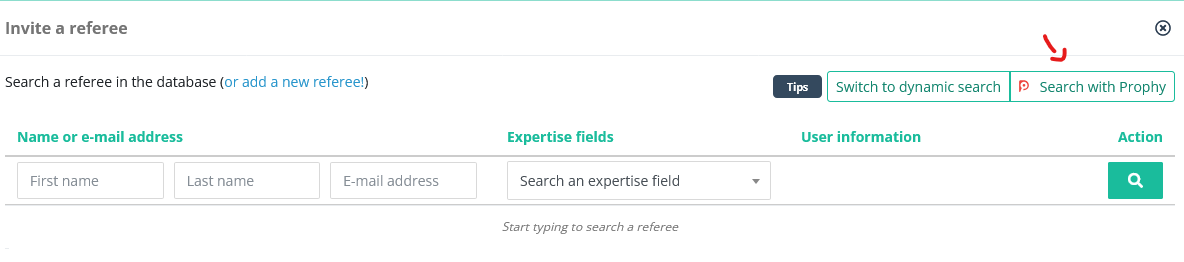
When clicking "Search with Prophy", Nestor will send the manuscript to Prophy who:
- performs a concept analysis on the manuscript
- based on this analysis, will return a list of 50 referees to evaluate the paper
Checking the list of suggestions
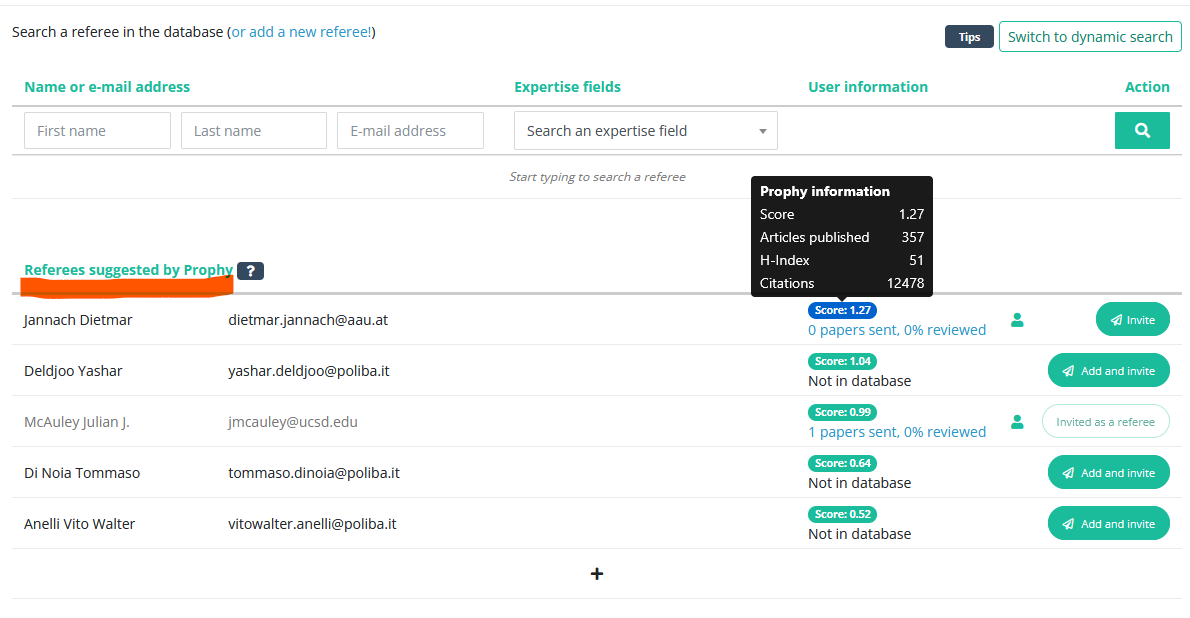
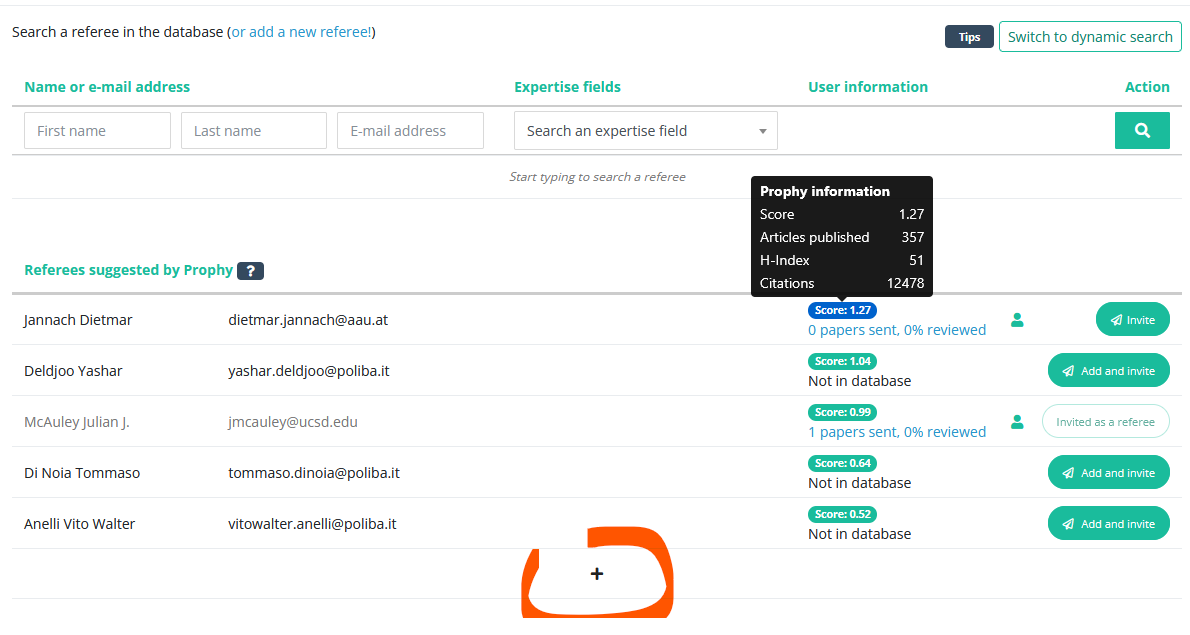
The list shows the first 5 referees. It is sorted by score, which represents the match between the manuscript's concepts and the referee's own papers. The higher the score, the higher the relevance of the referee to assess this paper.
From this interface, you can:
- click on each referee score to get more details on the referee
- invite the referee directly
- can click on (+) to expand the list of suggestions